The right sensor depends first on what must be detected: conductive metal, a nonmetal product, an interruption across a conveyor, or a target at a difficult distance. By comparing sensing principles, installation limits, environmental risks and PLC compatibility, you can specify the better option for a Pune production line and test it before purchase.
Key takeaways
- Choose inductive switches for reliable detection of conductive metal targets.
- Choose photoelectric sensors when you need longer range or non-metal detection.
- Keep inductive switches within rated sensing distance and align the target face-on.
- Shield photoelectric sensors from dust, glare, reflections and nearby light sources.
Match the sensing principle to the target material
For inductive proximity switch versus photoelectric sensor automation in Pune, start with the material, not the sensor body. An inductive switch detects a change in its electromagnetic field caused by conductive metal, so it is the dependable choice for confirming a steel bracket, aluminium part, gear tooth or metal end position.
It cannot directly detect a plastic or wooden product.
| Material | Preferred sensor | Selection point |
|---|---|---|
| Metal | Inductive proximity switch | Steel gives the strongest response; aluminium, brass and copper reduce the usable sensing distance. Check target size and approach angle. |
| Plastic | Photoelectric sensor | Use diffuse, retro-reflective or through-beam sensing according to distance and object shape. |
| Cardboard | Photoelectric sensor | Confirm that the beam sees the product rather than gaps, print changes or the conveyor. |
| Glass | Photoelectric sensor | Transparent glass can pass light; use a suitable reflector, background arrangement or opposed-beam setup. |
| Wood | Photoelectric sensor | Surface colour and grain can alter diffuse-sensing reliability, so test the actual product. |
| Liquid | Photoelectric sensor | Clear liquid requires careful optical geometry; opaque liquid is easier to detect, but splashes and foam can interrupt readings. |
The metal sensor versus photoelectric sensor decision also depends on the surroundings. Choose inductive sensing near oil, metal chips, dust or an opaque background when the target is metal; it avoids optical alignment and colour problems. Choose photoelectric sensing for nonmetal products or a gap too large for a practical inductive switch.
For glass, clear liquid and glossy surfaces, validate the exact container and fill condition before specifying the sensor.
Compare range, target response and optical arrangement
The practical range depends on the target and arrangement, not the catalogue maximum. An inductive switch’s nominal distance is usually measured against mild steel; aluminium, brass, copper and some stainless steel reduce it according to the manufacturer’s correction factor.
A photoelectric sensor can cover a long gap with through-beam operation, but diffuse sensing may have a much shorter working distance.
| Arrangement | Target response | Factory consequence |
|---|---|---|
| Inductive proximity switch | Detects conductive metal by electromagnetic-field change; no beam alignment | Repeatable on metal parts, gear teeth and end positions; cannot directly detect plastic or cardboard |
| Through-beam photoelectric | Separate emitter and receiver detect beam interruption | Longest, most stable optical gap; needs two units, alignment and clear line of sight |
| Retro-reflective photoelectric | Sensor detects light returned by a reflector | One-sided wiring; dust, vibration and a missing or damaged reflector can cause faults |
| Diffuse photoelectric | Sensor receives light reflected from the target | Simple installation; range changes with colour, surface finish, angle and object size |
For a metal sensor versus photoelectric sensor decision, inspect the worst-case product rather than a clean sample. Transparent glass, dark rubber, shiny metal and irregular cardboard can alter optical return, while oil, chips and opaque backgrounds usually have less effect on inductive detection if the gap and target geometry remain correct.
An inductive switch or photoelectric sensor in Pune still requires an environmental check: specify IP rating, temperature, connector, chemical exposure, dust, condensation and washdown conditions. Photoelectric commissioning adds optical-axis stability, teach-in or sensitivity settings, and protection against vibration-induced misalignment.
Install an inductive switch for a stable detection point
Set the sensing gap from the actual target, not from the catalogue range alone. That range usually refers to a standard mild-steel target; aluminium, brass, copper and some stainless steels produce a shorter response. A small target or angled approach reduces the usable margin further.
Check these points before approving the inductive switch:
- Measure target width, thickness, material and approach angle; keep the operating gap below the manufacturer’s corrected range.
- Confirm whether the model is flush or nonflush. A flush model tolerates a metal bracket near its face but usually has less range; a nonflush model needs clearance around the sensing face.
- Allow for mounting clearance, connector orientation and cable bend radius so vibration cannot move the switch or strain the connector.
- Compare required cycle rate with switching frequency, then check hysteresis and repeatability against the machine’s stop tolerance.
- Check ambient temperature, oil, flour, condensation and metal-swarf exposure; chips collecting on the face can cause false detection.
- Match supply voltage, PNP or NPN output, normally open or normally closed logic, load current and PLC input type.
- Check cable length, connector pinout and protection against voltage spikes before wiring.
Good inductive switch selection for automation leaves a clear electrical margin: the switch must remain on at the farthest intended gap and release at the nearest return gap. Test the real metal part during start-up, including vibration, maximum line speed and the worst contamination condition.
A sensor that works only on a clean steel sample is not a stable detection point.
Set up photoelectric sensing without false triggers
Control the beam path, target position and sensor settings before blaming the sensor for false triggers. Mount the emitter and receiver, or reflector, on rigid brackets; vibration-induced misalignment can turn a clean interruption into intermittent switching. Align at the centre of the usable sensing area, then test the smallest, darkest and most distant product.
During teaching, use the real product and the real background, not a sample held by hand. Check these points:
- Confirm that the target fully interrupts or reflects the beam at the intended position.
- Teach the background when the sensor supports background suppression, then remove the target and verify that the output changes only once.
- Test colour, gloss, transparency and surface angle; a clear film or shiny metal can redirect light instead of producing the expected return.
- Set sensitivity with the lens clean and the product at its worst-case gap.
- Route the sensor cable away from high-current motor and variable-frequency-drive wiring, and inspect the diagnostic indicator during conveyor vibration.
- Shield the lens from direct sunlight, welding arcs, oil, flour, dust and condensation; use a suitable enclosure or air protection where the process requires it.
A useful factory sensor comparison in Pune records false triggers during a full shift, not just a bench demonstration. Specify replacement availability, connector standard, lead time and diagnostic capability alongside price. An inductive switch or photoelectric sensor in Pune must also be selected for the actual washdown and contamination conditions.
Do not use an ordinary photoelectric sensor for personnel safety; use safety-rated equipment and a validated safety circuit.
Use a Pune factory test checklist before specifying the sensor
Do not approve a sensor from its catalogue range alone. Run a factory sensor comparison in Pune on the actual conveyor, product, speed and mounting position, then record failures at the worst case: smallest target, largest gap, angled entry, dirty surface and maximum line speed.
| Option | What to compare | Acceptance check |
|---|---|---|
| Inductive switch | Metal type, target size, gap, hysteresis, repeatability and switching frequency | Detect every steel, aluminium, brass or copper target without missed counts or double pulses |
| Photoelectric sensor | Arrangement, guaranteed range, beam alignment, colour, transparency and background | Detect the darkest, clearest and smallest product after dust or oil reaches the lens |
| Supplier | False-trigger rate, diagnostics, connector standard, replacement stock and lead time | Supplier provides test data, wiring details and a replacement path |
| Environment | IP rating, temperature, chemicals, washdown pressure, dust, condensation, cable and altitude | Written specification matches the installation; IP rating alone does not prove detergent or high-pressure resistance |
Use this checklist before placing the order:
- Run at minimum and maximum conveyor speed for a complete production shift.
- Measure the target-to-sensor gap and confirm clearance from brackets, guards and nearby metal.
- Test the actual supply voltage, PNP or NPN logic, connector orientation and cable route.
- Record missed detections, false triggers, response delay and diagnostic indications.
- For inductive switch selection for automation, repeat the test with the smallest and least responsive metal target.
- For photoelectric sensing, contaminate the lens safely with representative dust or oil and verify alignment recovery.
SAI CONTROL SYSTEM can be included in the comparison only after its proposed device passes these line tests. Do not use an ordinary sensor for personnel protection; specify safety-rated switching, light curtains or controllers validated under ISO 13849-1 and IEC 61496 where applicable.
Related products
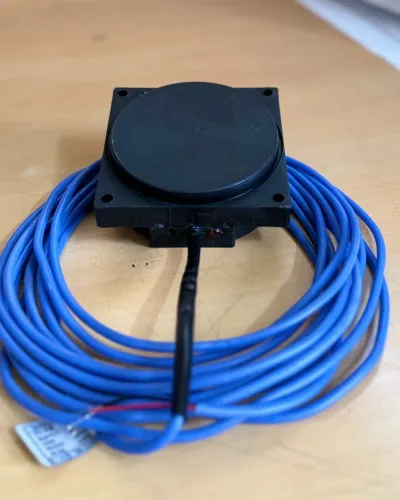
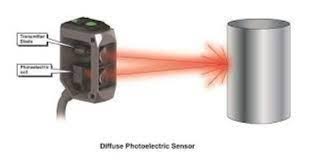 | Proximity Sensor Proximity Photoelectric Sensor The Proximity Photoelectric Sensor from Sai Control Systems is a high-efficiency sensing device engineered specifically for demanding industrial... View product → |
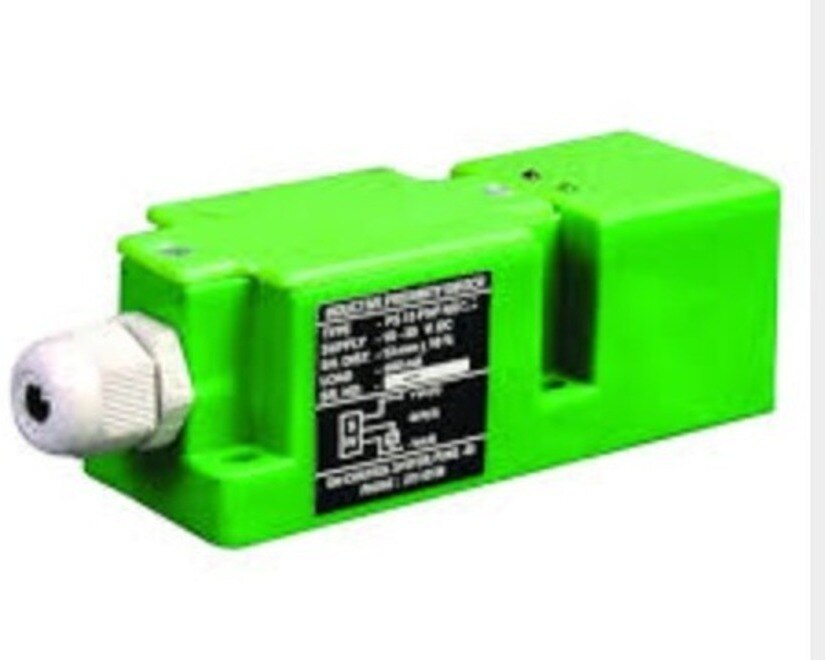
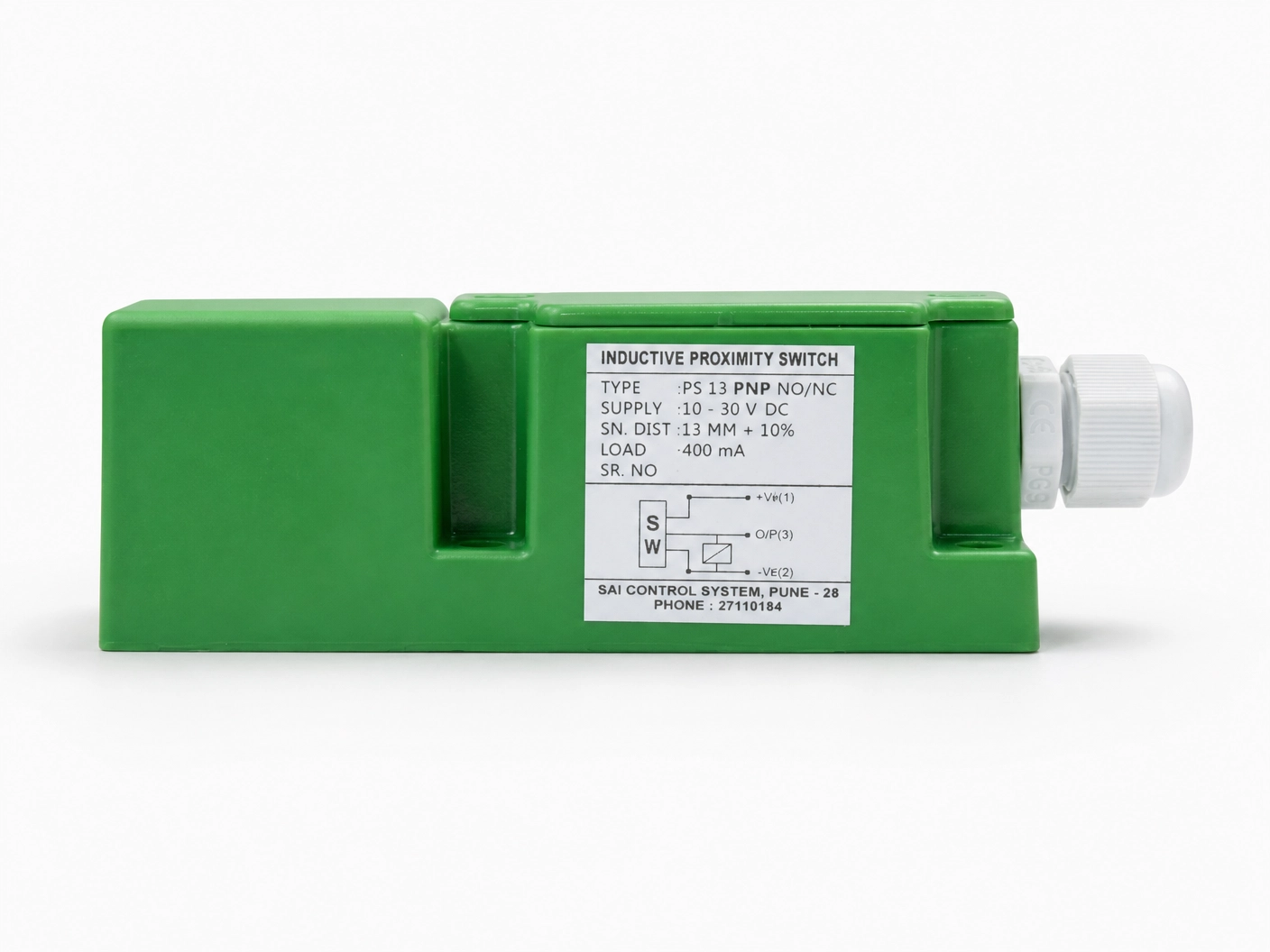 | Inductive Proximity Sensor Model: IPS13PNODF40 Size : 40*40*112mm Logic : PNP NO Sensing Distance : 15mm Sensing Face : Front Connection : PG Gland View product → |
Frequently asked questions
When should you choose an inductive switch over a photoelectric sensor?
Choose an inductive switch when the target is conductive metal, such as steel, aluminium or a gear tooth, and you need a stable short-range detection point. Choose a photoelectric sensor for non-metal targets, longer distances or applications requiring beam interruption.
How do sensing range and target material affect sensor selection?
Inductive sensing range depends on the target material, size and approach direction. Steel usually provides the reference range, while aluminium and other metals can reduce the usable distance. Photoelectric range depends on the emitter, receiver, reflector or target surface and the optical arrangement.
How do you install an inductive switch for stable detection?
Mount the switch square to the target path, keep the target inside the rated sensing distance and allow clearance from surrounding metal. Check the sensing point at the slowest and fastest operating positions before fixing the bracket.
How can you prevent false triggers with photoelectric sensing?
Align the emitter and receiver or reflector accurately, prevent shiny surfaces from reflecting the beam into the receiver, and protect the lens from dust. Test the sensor with the real target, conveyor speed, lighting and background materials.
What should a Pune factory test before specifying either sensor?
Test the actual target material, target size, sensing distance, approach direction, conveyor speed, ambient light, dust, vibration and mounting clearance. Record missed detections, false triggers, response timing and output compatibility with the control system.
Related products
 | Inductive Proximity Sensor The Inductive Proximity Sensor from Sai Control Systems is a vital component for modern industrial automation, offering non-contact metal detection... View product → |
 | Inductive Proximity Sensor Square Type Inductive Proximity Sensor The Square Type Inductive Proximity Sensor from Sai Control Systems is a high-performance, non-contact sensor designed for efficient and reliable... View product → |